📄📸 CV Download & Photo Enhancement Update
📄📸 CV Download & Photo Enhancement Update
✨ What’s New
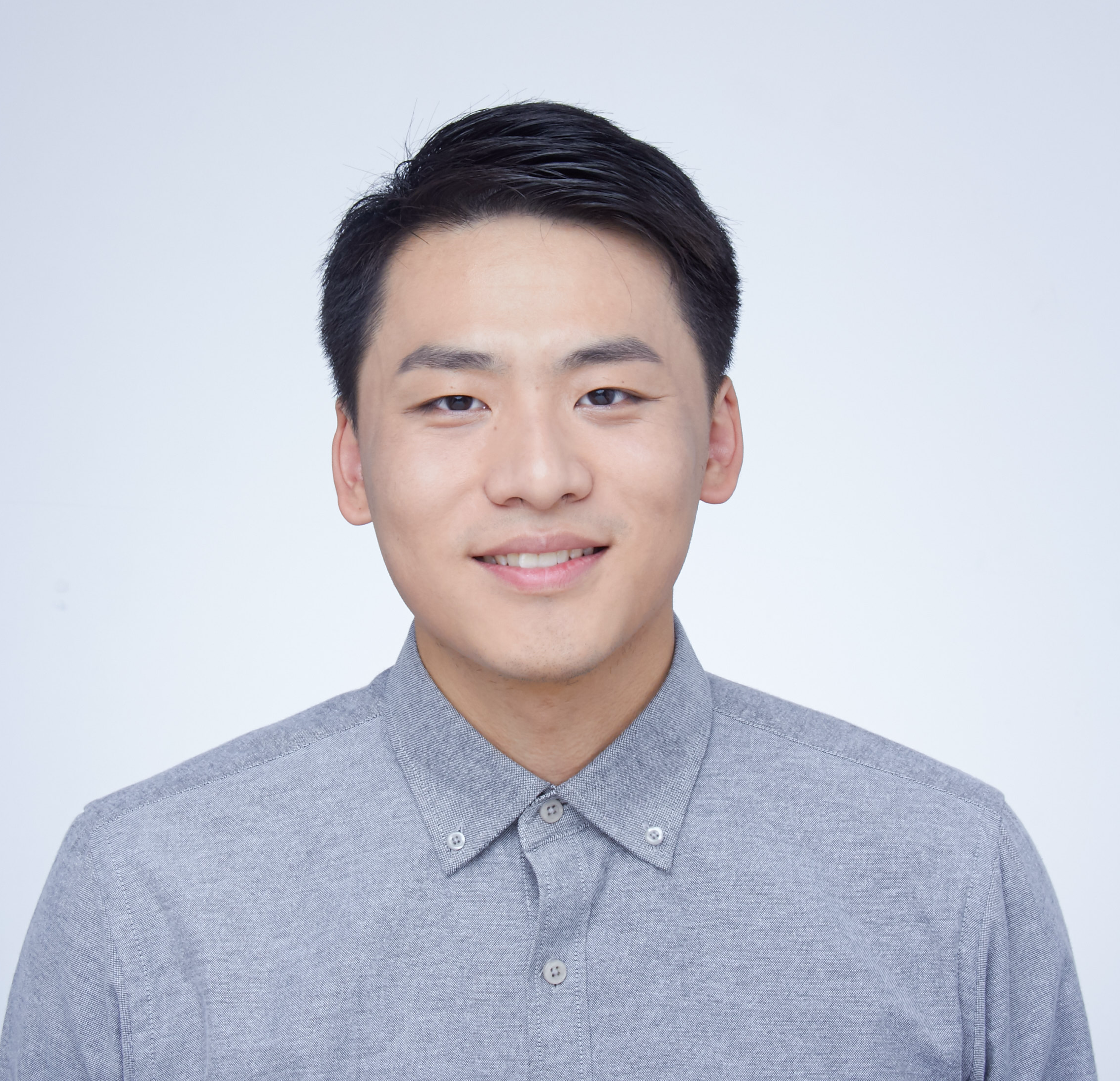
Your website now features downloadable CV access and enhanced photo display with Yuzhou’s photo prominently featured beside the About Me section!
📄 CV Download Features
Multiple Access Points
- Navigation Header - Direct CV link in the main navigation
- About Me Section - Dedicated CV download section with professional styling
- Contact Section - Quick CV access in contact information
Professional CV Download Button
- Styled Button with download icon
- Hover Effects with color transitions and elevation
- Shimmer Animation on hover for premium feel
- Responsive Design that works on all devices
- Target Blank opens in new tab for better UX
File Details
- File Path:
/files/CV-Yuzhou Chang.pdf - File Size: 234KB (confirmed accessible)
- Format: PDF for universal compatibility
📸 Enhanced Photo Display
New About Me Layout
- Two-Column Grid layout (2fr 1fr ratio)
- Content on Left with text and CV download
- Photo on Right with professional styling
- Responsive Design stacks on mobile devices
Photo Styling Features
- Rounded Corners with 15px border radius
- Glowing Border with accent blue color
- Hover Animations with scale and rotation effects
- Photo Frame with animated glow effect
- Professional Shadows for depth and elegance
Interactive Effects
- Scale on Hover (1.05x) with slight rotation (-2deg)
- Color-Changing Border from blue to purple on hover
- Animated Frame that pulses and changes color
- Smooth Transitions for professional feel
🎨 Design Integration
About Me Section Enhancement
- Glass Card Background with subtle patterns
- Grid Layout for professional organization
- Rotating Background with subtle conic gradient
- Comprehensive Content including LLM note and CV access
CV Download Section Styling
- Light Blue Background with subtle accent
- Professional Typography with clear hierarchy
- Interactive Button with multiple hover states
- Descriptive Text explaining the CV content
📱 Responsive Design
Desktop Experience
- Side-by-Side Layout with photo prominently displayed
- Large Interactive Elements for easy clicking
- Professional Spacing and typography
- Full Animation Effects for engagement
Mobile Experience
- Stacked Layout with photo displayed first
- Smaller Photo Size (150px → 120px on small screens)
- Touch-Friendly Buttons with appropriate sizing
- Optimized Spacing for mobile viewing
🛠️ Technical Implementation
Files Modified/Created:
_pages/about.md- New about section layout with photo and CV_sass/_light-theme.scss- Complete styling for new components_data/navigation.yml- Updated CV link in navigationCV_PHOTO_UPDATE.md- This documentation
CSS Features:
- CSS Grid for responsive layout
- CSS Animations for interactive effects
- Custom Properties for consistent theming
- Media Queries for responsive behavior
- Pseudo-elements for advanced styling effects
Accessibility Features:
- Alt Text for all images
- Semantic HTML structure
- Keyboard Navigation support
- Screen Reader friendly markup
- High Contrast compatible colors
🎯 User Experience Improvements
Professional Presentation
- Multiple CV Access Points for convenience
- Professional Photo Display that builds credibility
- Clear Visual Hierarchy for easy scanning
- Interactive Elements that engage visitors
Download Experience
- One-Click Download from multiple locations
- New Tab Opening preserves site navigation
- Clear File Type indication (PDF)
- Professional Button Design encourages clicks
🌟 Visual Enhancements
Photo Presentation
- Two Photo Displays: Hero showcase + about section photo
- Different Styling: Circular showcase + rounded rectangle in about
- Interactive Effects: Both photos respond to hover
- Professional Framing: Borders and shadows for elegance
Layout Improvements
- Better Content Flow with photo integration
- Visual Balance between text and imagery
- Professional Spacing throughout sections
- Consistent Theming with light grey background
🚀 Benefits
For Visitors
- Easy CV Access from multiple locations
- Professional First Impression with quality photo display
- Clear Contact Information with CV download option
- Engaging Interactive Elements that encourage exploration
For Yuzhou
- Professional Presentation of credentials
- Easy CV Distribution without email attachments
- Personal Branding with consistent photo display
- Academic Credibility with formal CV access
📊 File Accessibility
Confirmed Working Files:
- ✅ CV File:
files/CV-Yuzhou Chang.pdf(234KB) - ✅ Photo File:
images/Yuzhou.png(3.9MB) - ✅ Navigation Link: Updated to direct PDF access
- ✅ Multiple Access Points: All functional
🎉 Result
Your website now features:
- ✅ Professional CV download from multiple locations
- ✅ Enhanced photo display beside About Me section
- ✅ Interactive hover effects on photos
- ✅ Responsive design for all devices
- ✅ Professional styling consistent with site theme
- ✅ Easy accessibility for visitors and recruiters
The combination of downloadable CV access and professional photo presentation creates a complete academic profile that’s both engaging and professional! 🌟